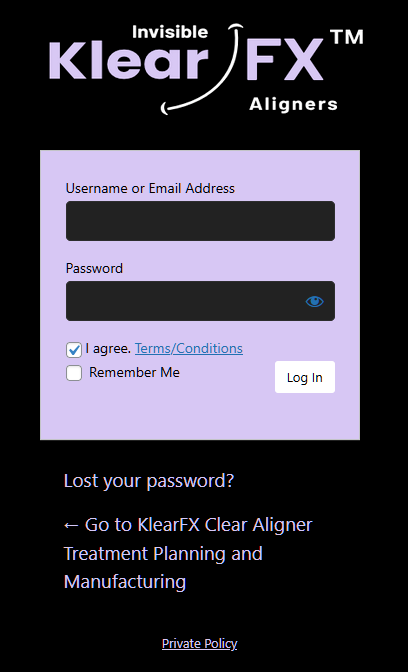
Enter your credential (You can request a KlearFX account by email us at [email protected]
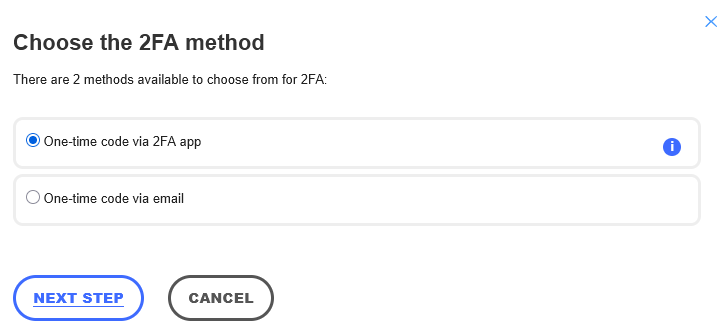
If this is your fist time logging in. You will be promoted to chose a two factor authentication option. You can use Google Authenticator or compatible application for your smartphone.
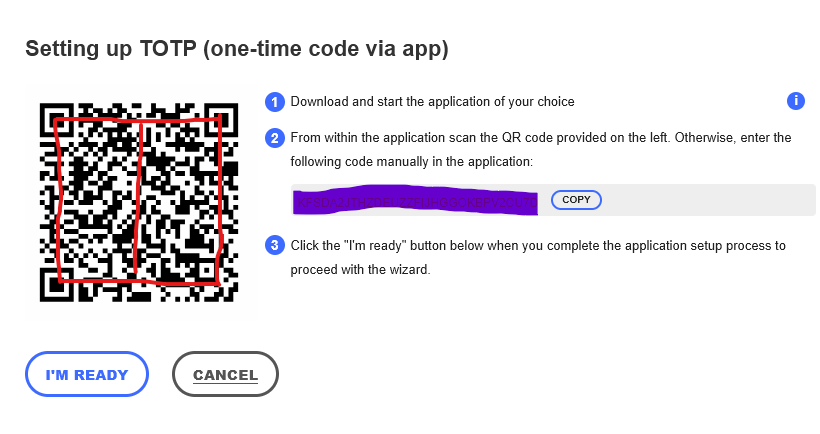
If opt to use an application. Open the app and scan the code as show below
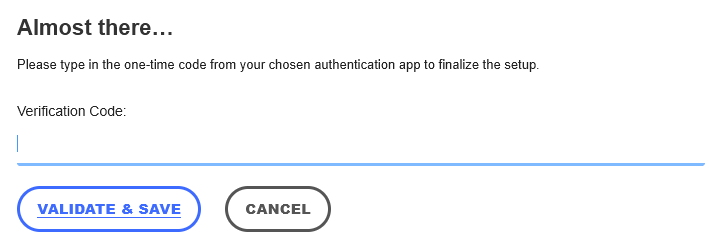
Obtain the verification code from your application and type in the indicated field
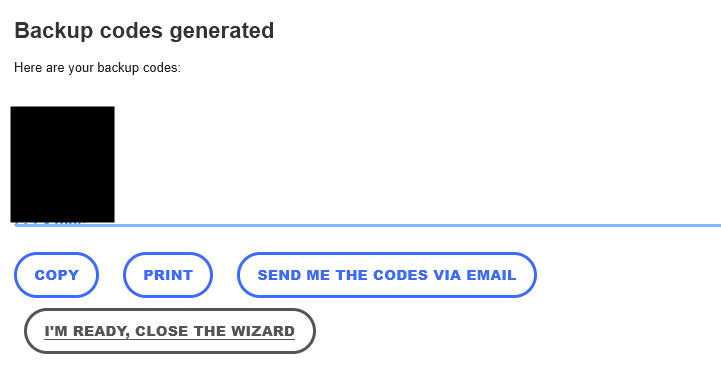
You can generate a list of backup codes if so desired. You can print, copy of send them via emai.
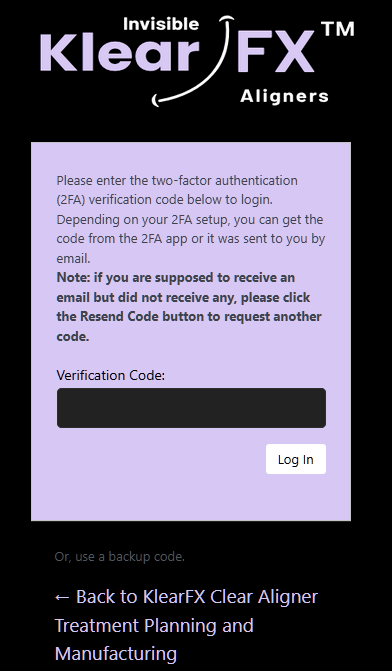
After entering your credentials. You will prompted to enter your validation code